Seedance 2.0 — Overview, Capabilities & Online Demo
A practical guide to the Seedance 2.0 video model and how to try the closest available alternative today.
Free credits to start · No watermark on paid videos
Explore other video models
All models- MiniMaxMiniMax H3Fast and affordable, good at natural motion. Animates a photo too.Up to 10 s768PImage to videoTry MiniMax H3
- GoogleVeo 3.1Cinematic shots with generated dialogue, sound effects and music.Up to 8 s720pNative audioTry Veo 3.1
- ByteDanceSeedance 2.5ByteDance's newest model: strong motion consistency and multi-shot scenes.Up to 10 s720pAudioTry Seedance 2.5
Prompt ideas to start with
Preview stills for each prompt. Copy one into the generator and make it yours.
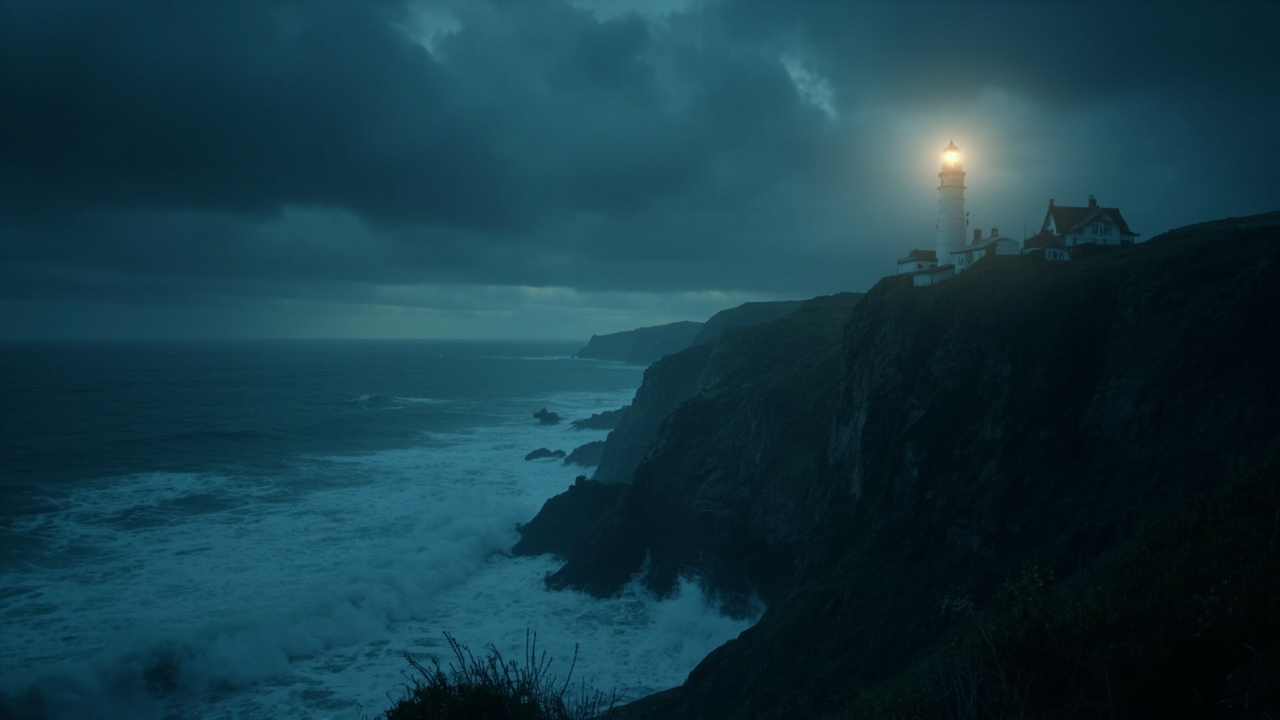
A lighthouse on a cliff during a storm at night, waves crashing, slow dolly-in, cinematic lighting

A red fox walking through fresh snow in a pine forest at sunrise, low tracking shot, soft golden light
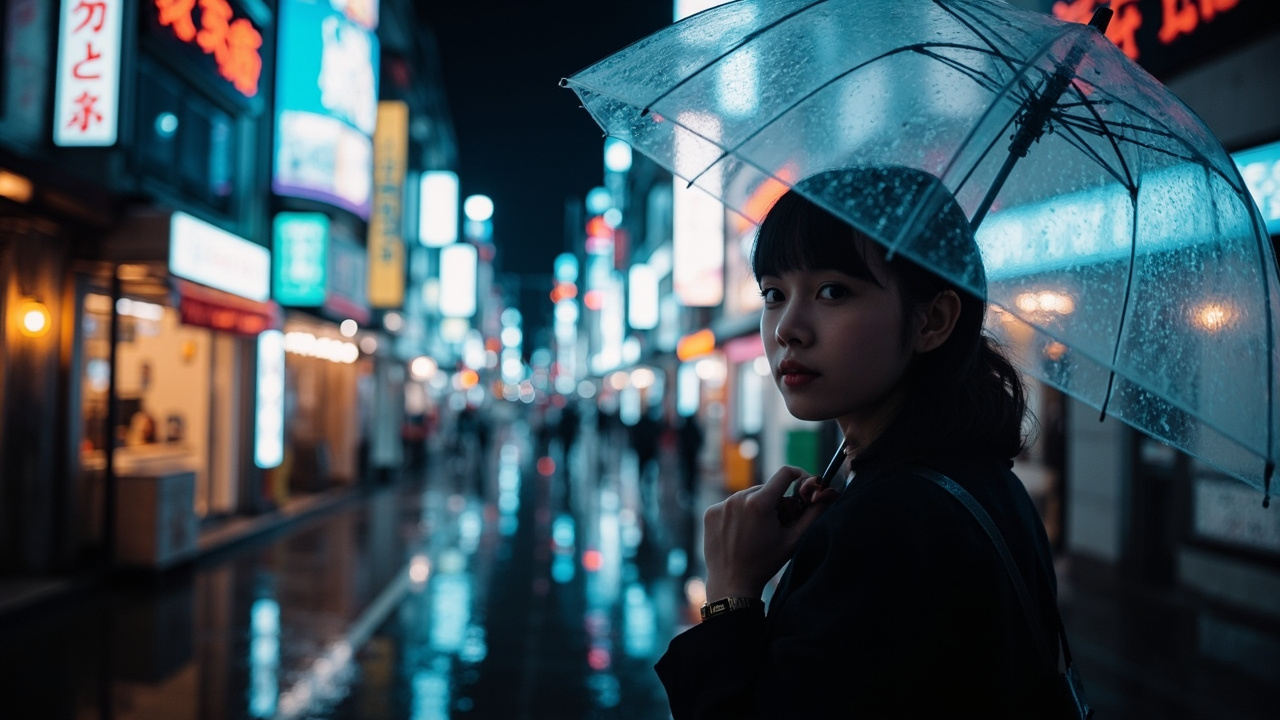
Neon-lit Tokyo street in the rain, a woman with a clear umbrella turns to the camera, shallow depth of field

Macro shot of coffee being poured into a glass cup, swirling cream, steam rising, warm cafe light

An astronaut riding a horse across a red desert planet, two moons in the sky, wide aerial shot

A paper origami crane unfolding and taking flight from an open book, studio lighting, white background

Aerial drone shot over turquoise ocean waves hitting a white sand beach, palm trees, summer afternoon
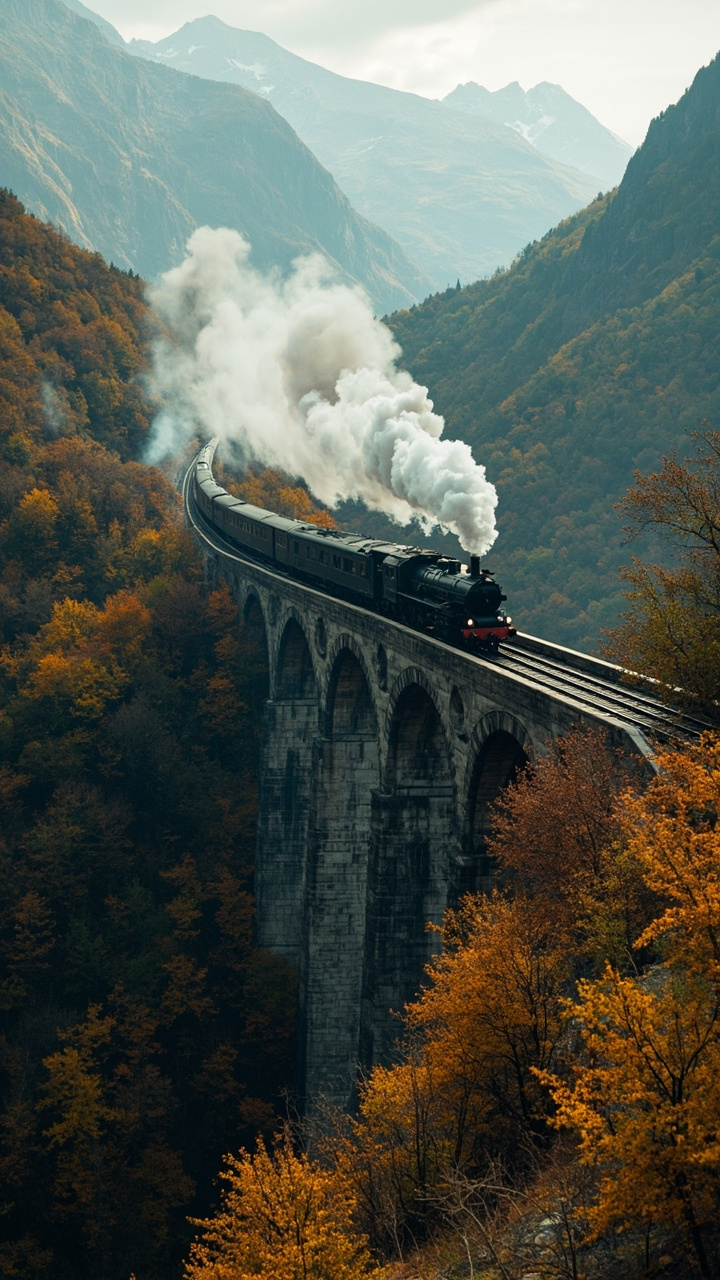
A vintage train crossing a stone bridge in autumn mountains, steam trailing, wide cinematic shot

Close-up of a chef tossing vegetables in a flaming wok, sparks, fast motion, restaurant kitchen

A cozy cabin interior with a crackling fireplace, snow falling outside the window, slow pan

A futuristic city skyline at dusk with flying cars, light trails, slow push-in, blade runner mood

A golden retriever puppy running through a field of sunflowers, slow motion, backlit by the sun
How it works
Step 1
Step 1 — Describe or upload
Type a text prompt or upload a reference image that matches the scene you want to generate.
Step 2
Step 2 — Pick the closest preset
We do not host Seedance 2.0 directly. The preset defaults to the closest supported video model so you can compare output quality.
Step 3
Step 3 — Generate and review
Render a short clip, then refine the prompt or swap presets to see how Seedance 2.0-style output differs.
What is Seedance 2.0?
Seedance 2.0 is a text-to-video and image-to-video model released as part of the Seedance series. It is known for handling cinematic camera motion, multi-subject scenes, and stylized outputs. This page is an independent overview: we do not provide the original model, but we run a compatible AI video tool so you can test similar workflows.
Core features of Seedance 2.0
Seedance 2.0 introduced refined motion coherence, stronger prompt adherence for action scenes, and improved handling of stylized characters. It accepts both text prompts and reference images, allowing users to anchor a generation to a specific face, object, or composition. Compared to earlier entries in the series, it produced smoother transitions between frames and a longer effective shot length, making it useful for short cinematic clips, product visuals, and social media snippets.
Seedance 2.0 vs newer Seedance versions
Later versions in the same family focus on higher fidelity, longer clips, and better instruction following. Seedance 2.0 is still respected for its motion quality and stylistic range, but newer builds add features such as improved physics, sharper faces, and more reliable multi-shot continuity. If you are choosing today, weigh whether you prefer the smoother motion of 2.0 or the higher resolution and prompt accuracy of newer releases.
Where to try a Seedance-style video AI today
The original Seedance 2.0 weights and hosted endpoint may not be publicly available depending on region and provider. As an alternative, many creators use an independent video tool that supports a comparable model preset. Our page lets you enter the same kind of prompt and switch between presets so you can judge quality before committing to a subscription.
Common use cases
Seedance 2.0-style outputs are popular for short marketing clips, animated storyboards, music video loops, and product showcase shots. Because it accepts an image as a starting frame, it is also used to bring still photography to life, turning a single hero image into a moving scene with parallax and camera motion.
How it compares
| Model on GenModelHub | Clip length | Resolution | Sound | Photo to video | Credits per second |
|---|---|---|---|---|---|
| Seedance 2.5 | 5 or 10 s | 720p | Yes | No | 12 |
| Seedance 2.0 | 5 or 10 s | 720p | Yes | No | 8 |
| Veo 3.1 | 4, 6 or 8 s | 720p | Yes | No | 6 |
| MiniMax H3 | 5 or 10 s | 768P | No | Yes | 2 |
Frequently asked questions
Is Seedance 2.0 free to use?
Availability depends on the platform hosting the model. Some providers bundle it into free trials with watermarks or queue limits, while others require a paid plan. Our page is independent and offers a free demo with daily limits on a comparable video preset.
What is the difference between Seedance 2.0 and 2.5?
Newer versions in the series tend to improve motion realism, face consistency, and prompt adherence, while Seedance 2.0 is often praised for stylized, cinematic output. Both accept text and image inputs, but newer builds usually generate cleaner details on close-up shots.
Can I use Seedance 2.0 for commercial projects?
Commercial rights depend on the license terms of the specific host or API provider, not on the model name. Independent tools like ours are intended for testing and personal projects unless a commercial license is purchased.
Does Seedance 2.0 support image-to-video?
Yes, image-to-video is one of its core capabilities. You can provide a starting frame and a prompt describing the desired motion, and the model animates the scene while preserving the input composition.
Where can I access Seedance 2.0 right now?
Access varies by provider and region. If the official channel is unavailable, you can try a comparable video preset on this page to see how a Seedance-style prompt behaves on current infrastructure.
Guides
Seedance 2.0: AI Video Generation Review
Explore Seedance 2.0’s features, video quality, limitations, and how it compares with leading AI video generators.
Veo AI Explained: Models, Features, Access, and Limits
Learn how Google’s Veo AI video models work, compare versions, and discover where to access them, what they cost, and who can use them.
Seedance 2.5: Features, Access, Pricing, and Usage
Explore Seedance
minimax h3